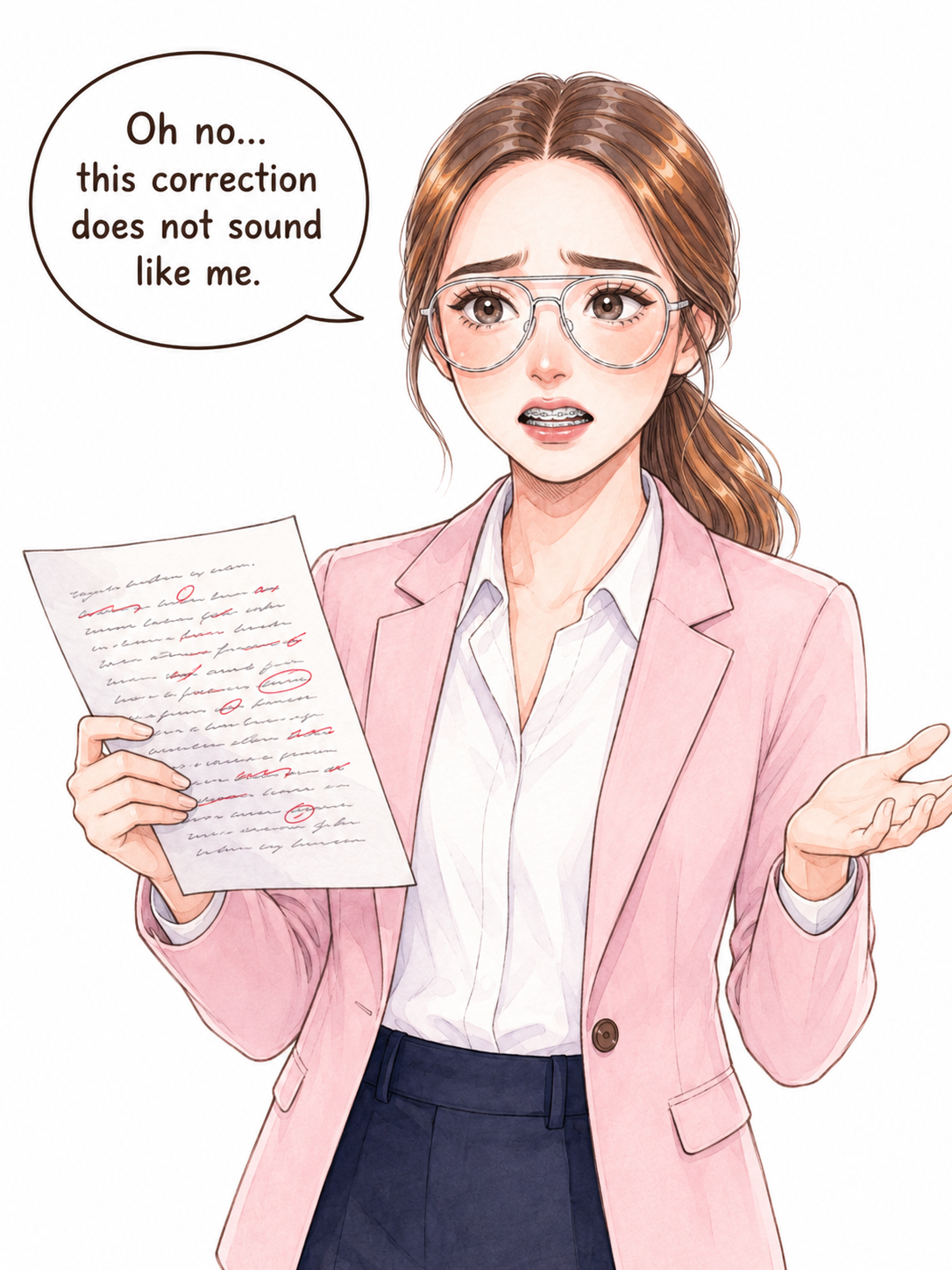
Your corrected text does not sound like you
Some writing tools change too many words. The result may sound unnatural or too formal.
Private offline writing assistant
What the demo shows: DeskDraft reviews a document, highlights grammar and wording issues, and shows clearer corrected text while keeping the writer's style.
DeskDraft is a writing tool for freelance writers, proofreaders, and editors who want clear, correct English.
The full Windows app works offline. The free demo runs in your browser.
Private offline writing assistant for Windows
DeskDraft is a private offline writing assistant for Windows. It checks grammar, wording, punctuation, and American or British English spelling.
DeskDraft helps you make corrections while keeping your own writing style and meaning.
Choose the spelling style you need and keep one document consistent from beginning to end.
Free online demo
Works in your browser for a quick try.
Full Windows app
A separate product that checks documents offline on your computer.
Writing problems
Some writing tools change too many words. The result may sound unnatural or too formal.
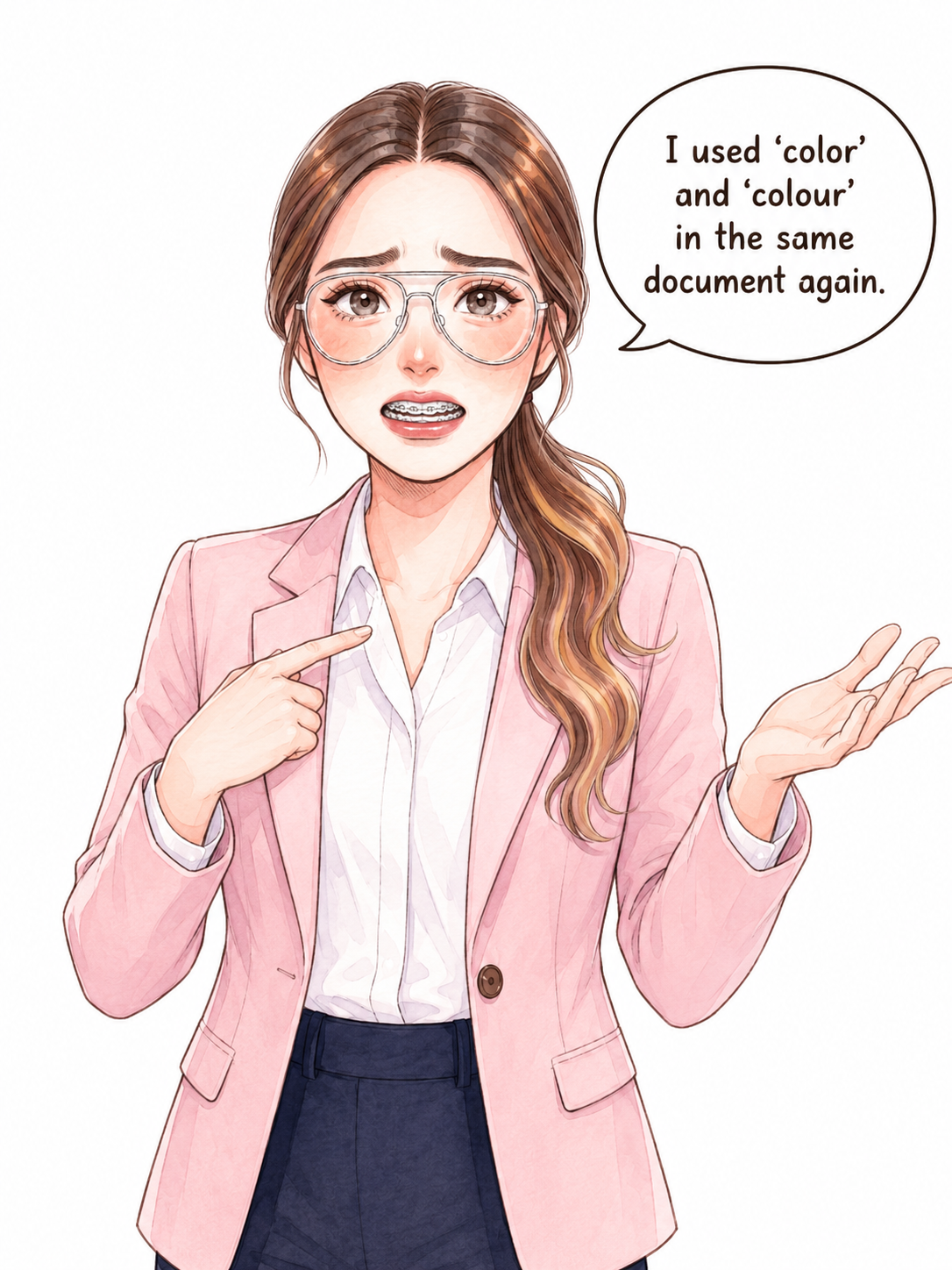
You may use words like “color” and “colour” in the same document.
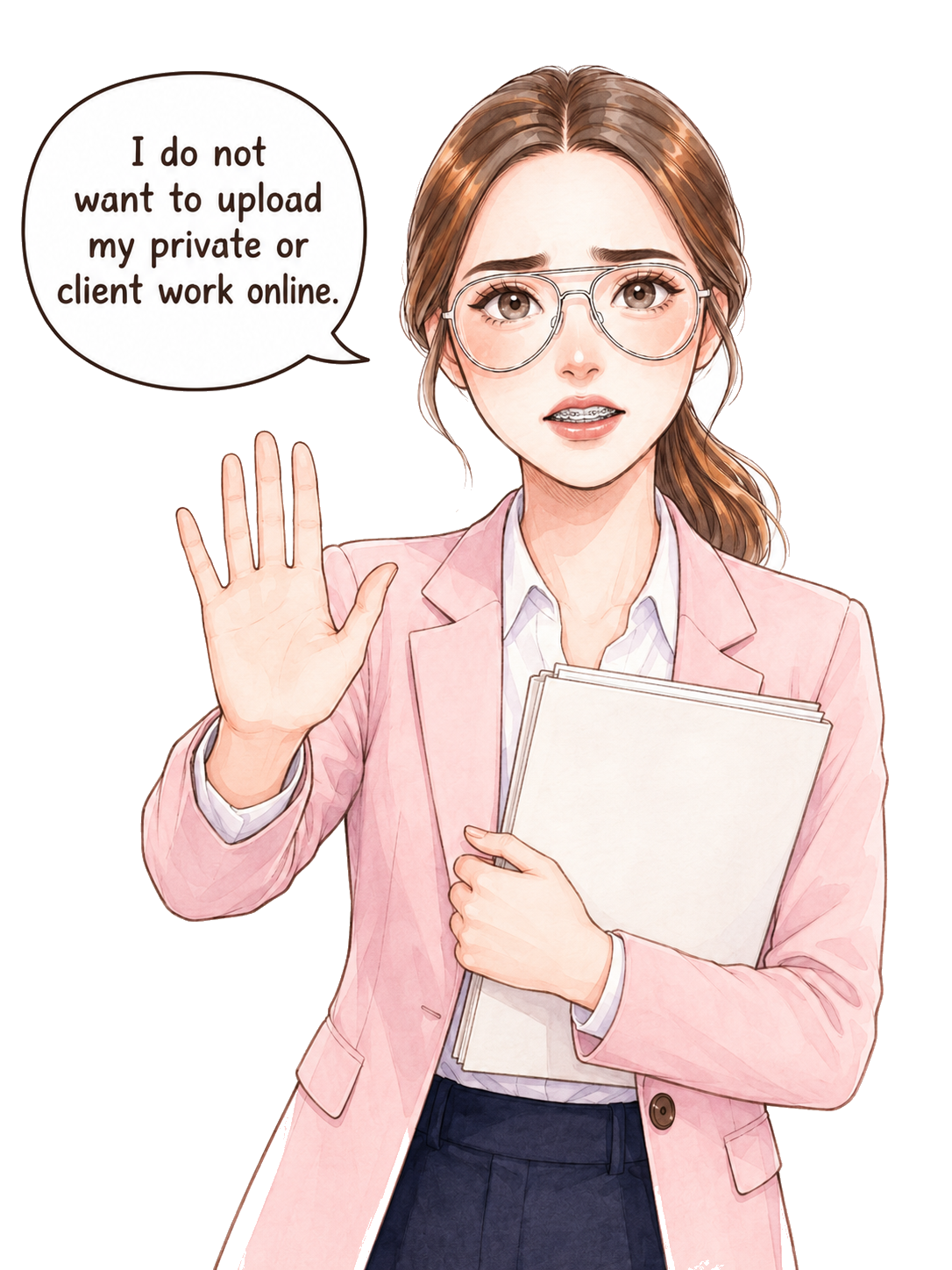
You may not want to upload client work, private reports, or unpublished writing to an online tool. The full Windows app keeps those documents on your computer.
Real examples
View real examples, then try the same feature in the free online demo.
Slide 1 of 3
Simple process
Paste your writing or open a supported document.
Select your document type and choose American or British English.
Compare the original and corrected text. Read the simple explanations before accepting changes.
DeskDraft
DeskDraft helps you write better English while keeping your work natural, clear, and private.
Privacy and product details
DeskDraft has two separate ways to try or use the product. The difference matters when your writing is private or sensitive.
Full Windows app
Free online demo
Purchase and support
DeskDraft for Windows
Use the full offline grammar checker for Windows to improve your writing privately on your computer.
One-time payment
Everything you need to check your writing with DeskDraft.
Try DeskDraft
Try DeskDraft with a sample document and see the corrections for yourself.
Contact DeskDraft
Share your details and we will keep your request organized.
DeskDraft FAQs
The full DeskDraft Windows app works without the internet. The free demo is a separate tool that runs in your browser.
Yes. Choose American English or British English before checking your writing.
The full Windows app checks documents on your computer. The free online demo is separate, so do not use it for sensitive documents.
You can choose the document type that best matches your writing before you check it.
DeskDraft is a desktop writing assistant for Windows.